Give your stream a target everyone can push on. VOXO puts a live goal bar on your TikTok LIVE that fills up as gifts, likes or follows come in — and turns every milestone into a shared moment.
Runs in Chrome on PC. No download, no install.
A TikTok Live goal bar is an on-screen overlay that shows a target — like a diamond goal for the stream — and fills up in real time as viewers send gifts, likes or follows. VOXO renders it as a browser-source overlay, so the progress sits right on your video for everyone to see.
Instead of "support the stream" as a vague ask, viewers see exactly where the room stands: 7,200 of 10,000 diamonds, 2,800 to go. Progress they can watch is progress they want to finish.
The overlay updates by itself the moment something happens — you never touch it mid-stream.
Diamond goals count the diamond value of every gift viewers send, live. You set the target, and each gift pushes the bar forward the moment it lands. Goals can count per session, or keep a cumulative total that carries across streams for long-running targets.
Gifts aren't the only option: like goals count viewer taps and follower goals count new follows, which makes the same overlay useful for growth pushes, not just gifting.
There are two overlay styles: the standard goal bar for targets you set yourself, and the TOP99 goal, which shows live how many diamonds remain until you reach the TOP99 board — a ready-made target your viewers can rally behind.
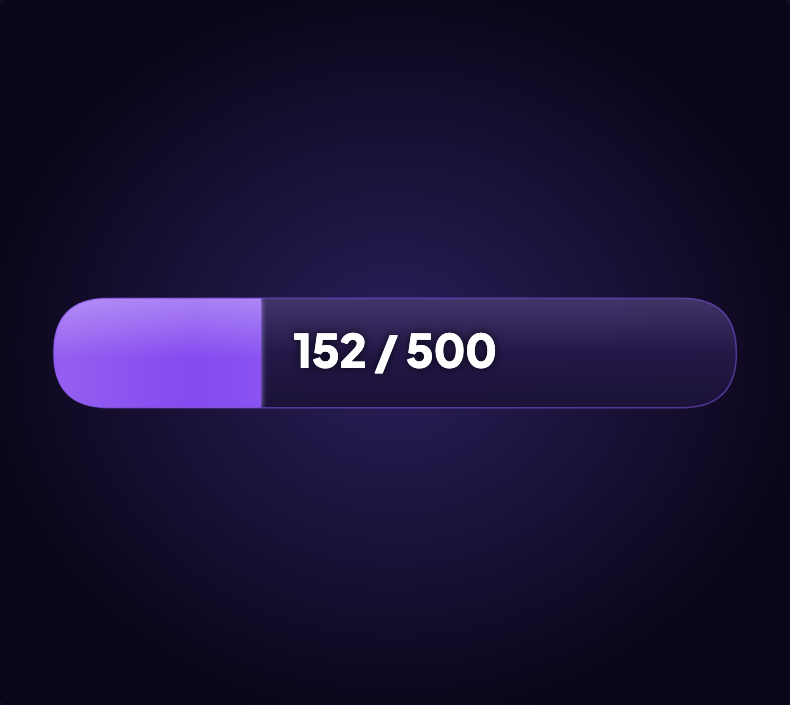
The goal bar in the live preview — a diamond goal filling toward its target.
A visible goal changes the question in a viewer's head from "should I send something?" to "should we finish this?" It gives the whole room one number to move together, and it gives each gift an immediate, visible effect — the bar jumps because of them.
Almost-full bars are hard to walk away from. When the goal sits at 90%, viewers who were watching quietly suddenly have a reason to act, and the streamer has a natural moment to build hype around.
And when the bar completes, you celebrate on camera — a payoff the whole room earned, which is exactly what brings people back for the next goal.
Pick the layout that fits your scene: a classic bar, a circle, a gauge, or a minimal number readout. Choose a color preset or set your own color, select from five fonts, and write your own goal text so the bar says exactly what you're playing for.
The overlay has a transparent background and sits flush in your layout, so you position and scale it like any other source — a slim bar under your camera, or a big gauge front and center for goal-focused streams.
No software to download. If you have Chrome on a PC, you are three steps away from a live goal on screen.
Open VOXO in Chrome on your PC and sign in with Google.
Choose the goal type, target and design that fit your stream.
Copy the goal bar URL and paste it into a browser source in TikTok LIVE Studio or OBS.
Go live on TikTok, and the bar starts moving with your viewers. VOXO is an independent tool and is not affiliated with TikTok.
The goal bar is a VOXO PRO feature. Preview it right here on this page to see exactly how it looks, then subscribe to run it in your own broadcast — no install, no credit card to look around.
After the trial, a PRO subscription keeps the goal overlays unlocked along with the rest of the VOXO toolkit. See current plans on the homepage.
Run a live goal bar in your own broadcast with VOXO PRO.
bolt Start Free Trial